
Smart TVs
Get the Player+ app on Samsung (Samsung TV Apps), LG (LG Content Store) and Amazon Fire TV (Amazon Appstore), where it’s listed as StagePlayer+. On Roku, or any TV with Chromecast or AirPlay 2, cast from your phone, tablet or computer.
Player+ Group / Help
Help
Answers to the most common questions about buying and watching shows on Player+. Can’t find what you need? Email help@playerplus.com.
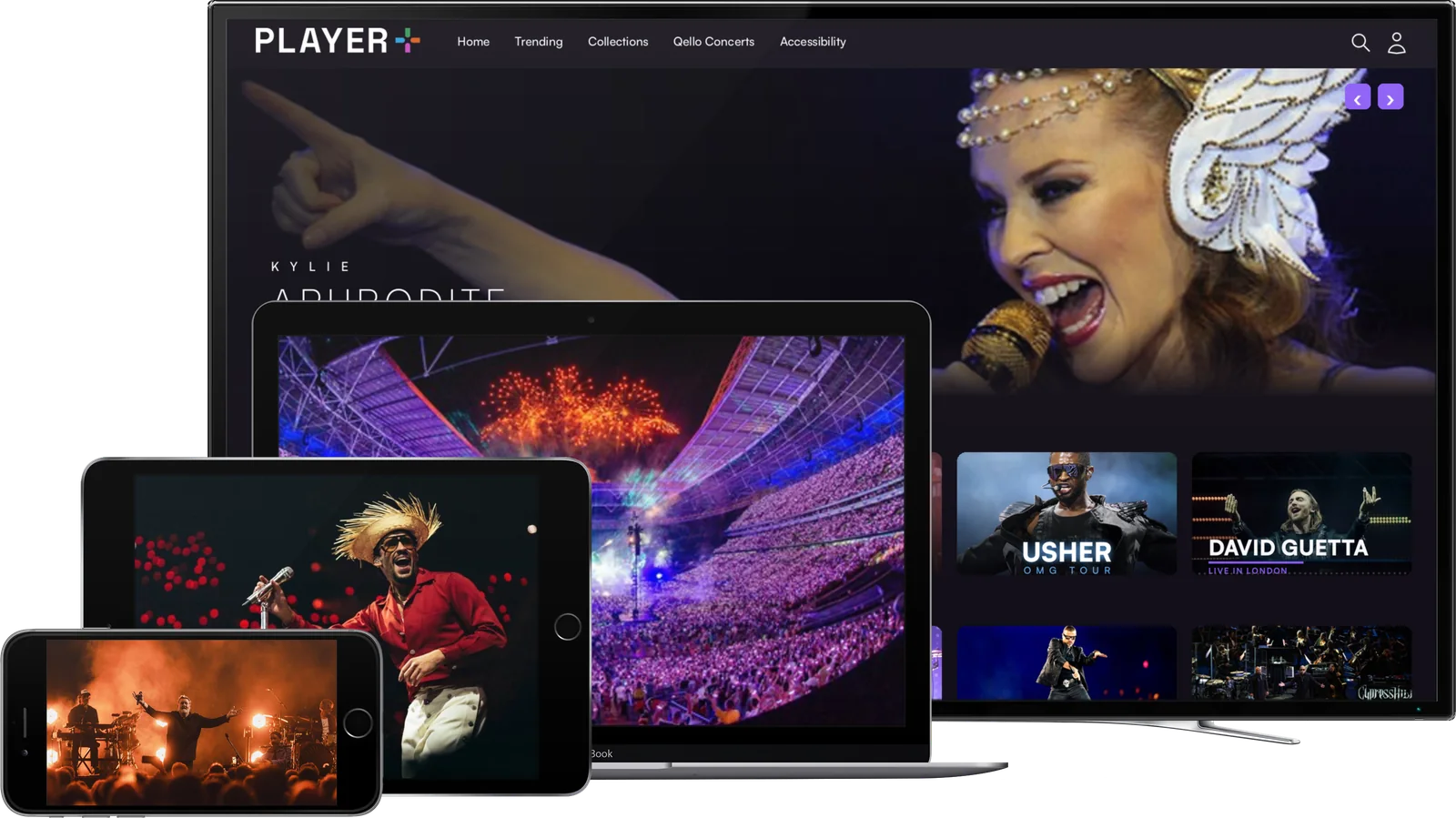
Where to watch
Get the Player+ app on Samsung (Samsung TV Apps), LG (LG Content Store) and Amazon Fire TV (Amazon Appstore), where it’s listed as StagePlayer+. On Roku, or any TV with Chromecast or AirPlay 2, cast from your phone, tablet or computer.
The app comes ready to use on Netgem, TalkTalk, Community Fibre, Connect Fibre, Inspire Telecom, BRSK and WightFibre boxes.
Watch in your mobile browser at watchplayerplus.com on iPhone, iPad or Android, and cast to your TV with AirPlay or Chromecast.
Go to watchplayerplus.com in Chrome or Safari on your Mac or PC, and cast or mirror to your TV if you like.
For the best picture, we recommend an internet connection of 5 Mbps or more. You can check yours at fast.com.
Questions
No. Most shows are pay-per-view, so you simply buy the event you want to watch.
On smart TVs (Samsung, LG and Amazon Fire TV), phones, tablets and computers. You can also cast to your TV with AirPlay or Chromecast. See Where to watch above for the full list.
Each event shows its viewing window on the event page before you buy. It might be a single scheduled replay, a set period such as 48 hours from when you start watching, or longer for some events.
Some events are live only or have one scheduled replay, usually because of the artist’s wishes or the rights agreement. Any replay is shown on the event page before you buy.
If a replay is scheduled, you can watch it then. If not, the event may no longer be available. The event page has the details.
Most events are available worldwide, but some are limited to certain countries. If an event isn’t available where you are, it won’t be offered for sale.
Because you get access straight away, purchases are generally non-refundable. If you have a technical problem, email help@playerplus.com and we’ll look into it.
Check your spam or junk folder first. If it isn’t there, choose “Resend verification email” on the login screen, or email help@playerplus.com.
Our terms cover event delivery, access, viewing windows and usage rights. You can read them at playerplus.com/terms.
Support
Our customer care team is happy to help.
Based in London. Working worldwide.